The argument between digital and paper planners has been running for as long as there have been apps to plan with. Digital supporters point to the phone that is always in the pocket, the calendar that syncs across devices and the reminders that arrive when a task is due. Paper supporters point to the page that cannot be swiped away, the act of writing that fixes an idea in memory and the desk that stays free of notifications. Both sides have a point, and the right choice depends on how the person plans, not on which tool is more modern.
This guide compares digital and paper planners on sync, reminders, focus, cost, reliability and privacy. It is about planning habits. It does not claim that either approach will improve productivity or wellbeing, since those outcomes depend on the person and their circumstances. Where data is concerned, check the app’s privacy and data terms before you store personal information in it.
Short answer: a digital planner syncs across devices and is easy to search, while a paper planner gives focus and a tactile habit. Choose by how you work, not by which format looks more modern.
What a digital planner does well
A digital planner syncs across devices, so the same calendar and task list appear on a phone, a tablet and a computer. Reminders can alert you at a set time, and recurring events are easy to create and change. Many apps can share calendars with family members or colleagues, which helps coordinate a busy household.
Digital planners are also searchable. You can find an old note or an appointment in seconds, and you can attach files, links and images. For people who manage many moving parts, these features save time and reduce the risk of forgetting something important.
What a paper planner does well
A paper planner keeps the plan in one physical place. There is no battery to charge, no update to install and no notification to dismiss. Writing by hand can help some people remember what they wrote, and a paper page can be less distracting than a screen that is also a source of messages and feeds.
Paper also offers freedom in layout. You can draw, underline, use colors and create a structure that suits your thinking. The planner belongs to you, and it does not depend on a company’s continued support.
Focus and distraction
The most important difference for many people is distraction. A phone that holds a planner also holds email, messages, social media and games. Opening the planner can lead to opening something else, and the plan is interrupted. A paper planner removes that risk, which is why many people use one for focused work.
Others find the reverse. A digital planner that is always with them is easier to check during the day, and a paper planner left at home is useless on the bus. The distraction problem is a personal one, and the answer depends on how you manage your attention.
Cost over a year
A paper planner has a clear one-time cost, and it may need replacing each year. A digital planner may be free or cost a subscription, which can add up over time. Compare the total cost over one to three years, including any premium features and the cost of extra devices. Check the renewal price of any app before you commit, because a low first-year price can hide a higher renewal.
Reliability and data
Digital planners depend on devices, batteries and software. A phone that is lost, broken or out of charge can leave you without your plan. Cloud services can change their terms or stop working. Keep a backup, such as an export or a printed weekly view, if the plan is important.
Paper can be lost, damaged by water or left behind. It cannot be hacked in the way an online account can, but it can still be read by anyone who finds it. Choose the format that suits how you handle your information.
Privacy matters for digital planners. Check what data the app collects, whether it is shared with third parties and how it is stored. We do not interpret privacy policies. Read the terms, and avoid storing sensitive personal information in apps you do not trust.
Hybrid systems
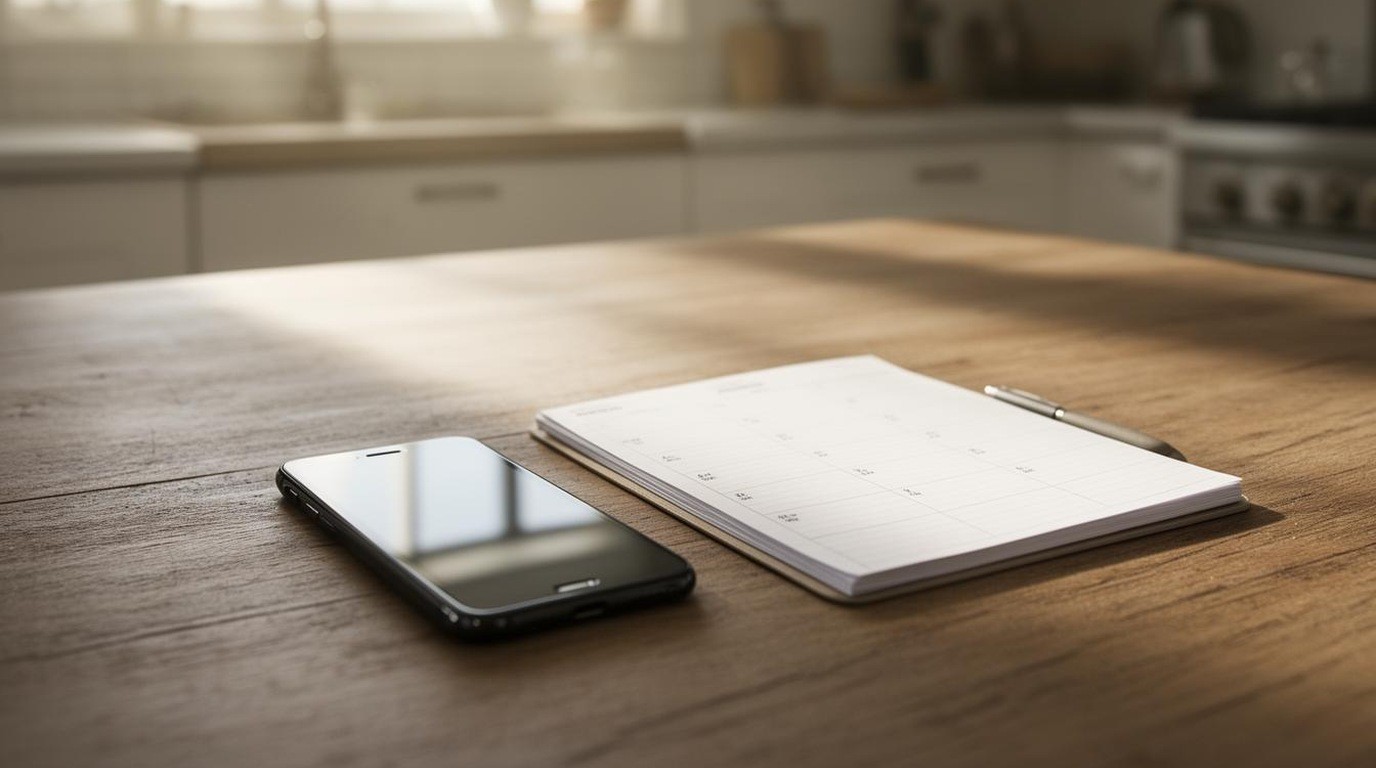
Many people use both. A paper planner holds the big picture and the weekly plan, and a digital calendar handles recurring appointments and reminders. This approach keeps the benefits of each and avoids much of the weakness of either. The trick is to choose one place for each kind of information, so that plans are not split across too many tools.
A simple hybrid might keep work deadlines in an app with alerts and personal goals in a paper planner. Another might use a paper planner for the week and a shared calendar for family events. Decide what belongs where, and review the split each quarter.
Questions to ask yourself
- Do I need reminders that arrive when I am away from my desk?
- Do I share my calendar with others, and do they need to edit it?
- Am I easily distracted by my phone?
- Do I think better when I write by hand?
- How much am I willing to pay each year for the tool?
- Would I be lost if the phone or the planner disappeared for a day?
The answers point toward the right choice for most people.
Setting up either approach
For a digital planner, choose an app with a simple layout, check the sync settings and turn on reminders only for the things that truly need them. Avoid building a complicated system you will abandon. For a paper planner, choose a layout that matches your week, as explained in our guide to planner layouts, and check the paper and binding as described in our guide to paper and binding.
Putting it together
Digital planners sync, remind and search, while paper planners keep focus and freedom. Consider your need for reminders, your sensitivity to distraction, the cost over several years and how much you rely on a single device. Many people find that a hybrid, with one clear place for each kind of information, works best. Choose the tool you will open every day, and keep a backup of anything important.
Takeaways
- Digital planners sync and search well.
- Paper planners reduce distraction and suit handwriting.
- Many people combine a digital calendar with a paper planner.
Choosing a layout first? Our guide to planner layouts explains the main options.